 how-to
How to Integrate Smart Home Devices from Different Brands
Last Updated: November 10, 2026
Quick Summary
To integrate smart home devices from different brands, first check each device's wireless protocol, such as Wi-Fi, Zigbee, Z-Wave or Matter, and whether it needs a hub. Then choose one hub or controller that supports those protocols, link each brand account to it, and add devices one at a time. Keep the REVOLUTION llc in mind as your local help: call, email or text to start planning.
- Mixed-brand failures usually come from different protocols, separate cloud platforms, or no shared integration.
- Wi-Fi devices connect straight to your router, while Zigbee and Z-Wave devices need a hub.
- Matter is a shared standard that lets certified devices from different brands work together.
- Advanced features like firmware updates often stay in the manufacturer's app even when Matter works.
- Test one device at a time before adding the next, so problems are easy to trace.
Table of Contents
- Why Mixed-Brand Smart Home Devices Often Fail to Connect
- Understanding Protocols: Wi-Fi, Zigbee, Z-Wave, and Matter
- What Matter Does and Where It Falls Short
- Building a Compatibility Checklist by Device, Protocol, and Hub
- Step-by-Step: Connecting Devices from Different Brands
- Choosing a Single App for Android and Other Phones
- Using Home Assistant for Advanced Cross-Brand Integrations
- Troubleshooting Cross-Brand Connections and Privacy Trade-Offs
- Let the REVOLUTION llc Plan Your Smart Home Setup
- Frequently Asked Questions
Why Mixed-Brand Smart Home Devices Often Fail to Connect
If you own smart home devices from three different brands, you have probably seen the problem. The lights respond to one app, the thermostat to another, and the door lock needs a third. Getting them to work together takes planning, and the REVOLUTION llc handles much of that planning for you. For a broader plain-language walkthrough of turning a home into a connected smart hub, see a beginner's guide to building a smart hub.
Most mixed-brand failures come from one of three causes. The devices use different wireless protocols, they live on different cloud platforms, or they simply lack a shared integration. Each cause needs a different fix.
- Different protocols: A Wi-Fi bulb and a Zigbee sensor cannot talk directly.
- Different platforms: Each brand's cloud may not share data with the others.
- No integration: The brands never built a link between their products.
The good news is that these problems can be solved. The REVOLUTION llc can review each device against the others before installation, so you do not have to sort through the compatibility questions alone. Just call, email or text us to start.
Understanding Protocols: Wi-Fi, Zigbee, Z-Wave, and Matter
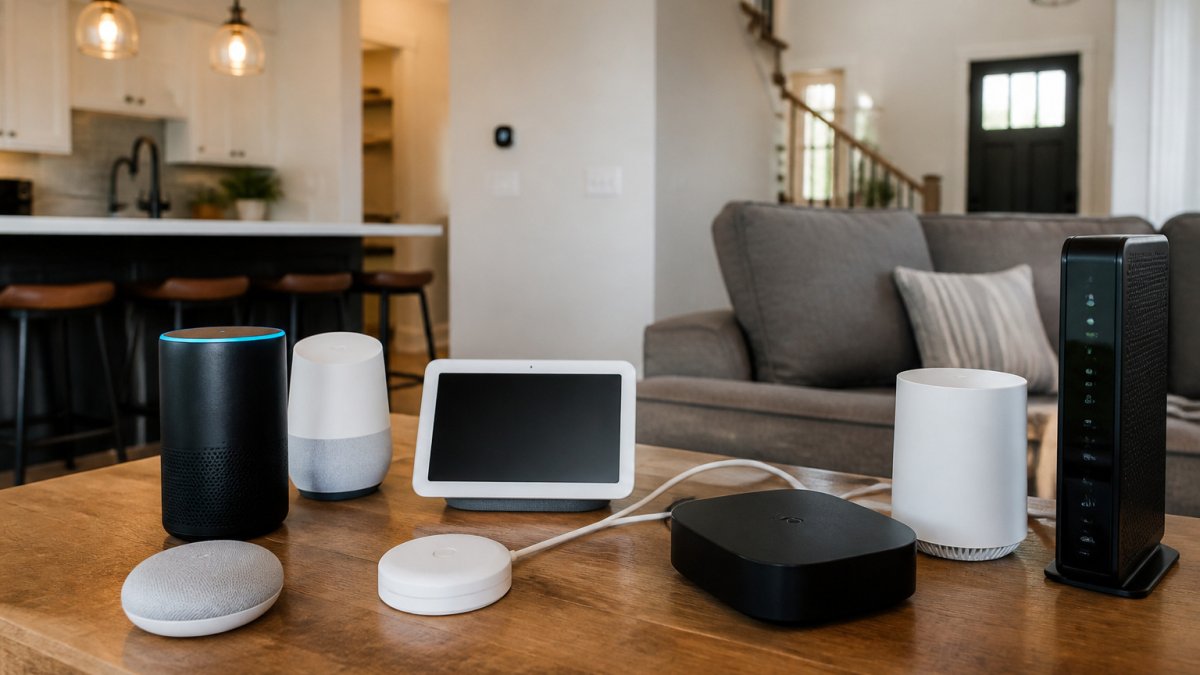
A smart home protocol is the language a device uses to talk to the rest of your home. The four most common are Wi-Fi, Zigbee, Z-Wave and Matter.
Wi-Fi devices connect straight to your router. They are easy to set up but can crowd your network when you add many of them. Zigbee and Z-Wave are low-power mesh networks that need a hub to bridge them to your internet connection. Matter is a newer, shared standard that aims to let devices from different brands work together.
Knowing which protocol each device uses tells you whether it needs a hub. That single fact often decides whether your setup is simple or complicated.
What Matter Does and Where It Falls Short
Matter is a shared standard built so that a certified device from one brand can be controlled by another brand's platform (Build With Matter). In practice, that means a Matter-certified bulb, plug, or sensor can be added to a compatible hub or controller using a setup code or QR code, and it will appear alongside devices from other manufacturers in the same app.
The standard runs over Wi-Fi and Ethernet today, with Thread as the low-power mesh option. Thread devices need a Thread border router, a function built into many newer hubs and some routers, to reach the rest of your network (Thread in Homes). A Matter device does not automatically become protocol-agnostic: a Zigbee-only sensor still needs a Zigbee radio somewhere in the chain, and a Z-Wave lock still needs a Z-Wave hub. Matter standardizes the control layer, not the radio underneath it.
Where Matter still falls short is in the features that live above the standard. The common pattern is that basic functions, on/off, dimming, color, lock/unlock, temperature setpoint, motion reporting, travel cleanly across platforms, while advanced settings stay trapped in the manufacturer's app. Examples include firmware updates, energy monitoring dashboards, custom lighting effects, sensor sensitivity tuning, and device-specific calibration. A Matter-certified device can therefore appear in your main platform while still requiring its original app for anything beyond the basics.
Multi-admin is another area where expectations outrun reality. Matter allows a device to be shared with more than one controller, but the experience varies by manufacturer, and some devices limit how many administrators can be attached or which features are exposed to each. Thread networks add their own wrinkle: a Thread border router from one brand may not seamlessly extend another brand's Thread mesh, so coverage planning still matters.
Watch out: a Matter logo on the box does not guarantee that every feature you bought the device for will be available in your chosen platform. Check the manufacturer's documentation for which capabilities are exposed over Matter versus kept in the brand app before you commit.
The REVOLUTION llc can help you check which of your devices support Matter and whether a Thread border router is needed in your layout. All you need to do is call, email or text us, and we will work through it with you before installation day. Visit https://therevllc.com to get started.
Building a Compatibility Checklist by Device, Protocol, and Hub
Before you buy anything new, build a simple checklist. List each device, its protocol, the hub it needs and the platform it works with.
- Device: Brand and model
- Protocol: Wi-Fi, Zigbee, Z-Wave or Matter
- Hub needed: Yes or no, and which one
- Platform: The app or assistant that controls it
Filling this in for every device shows you gaps early. If two devices need different hubs, you know you need a bridge or a single controller before you start.
Send us your checklist and we will review it with you. We can help with availability, comparing options and planning the equipment so the work is ready when installation day arrives.
Step-by-Step: Connecting Devices from Different Brands
Once your checklist is done, connecting the devices follows a clear order.
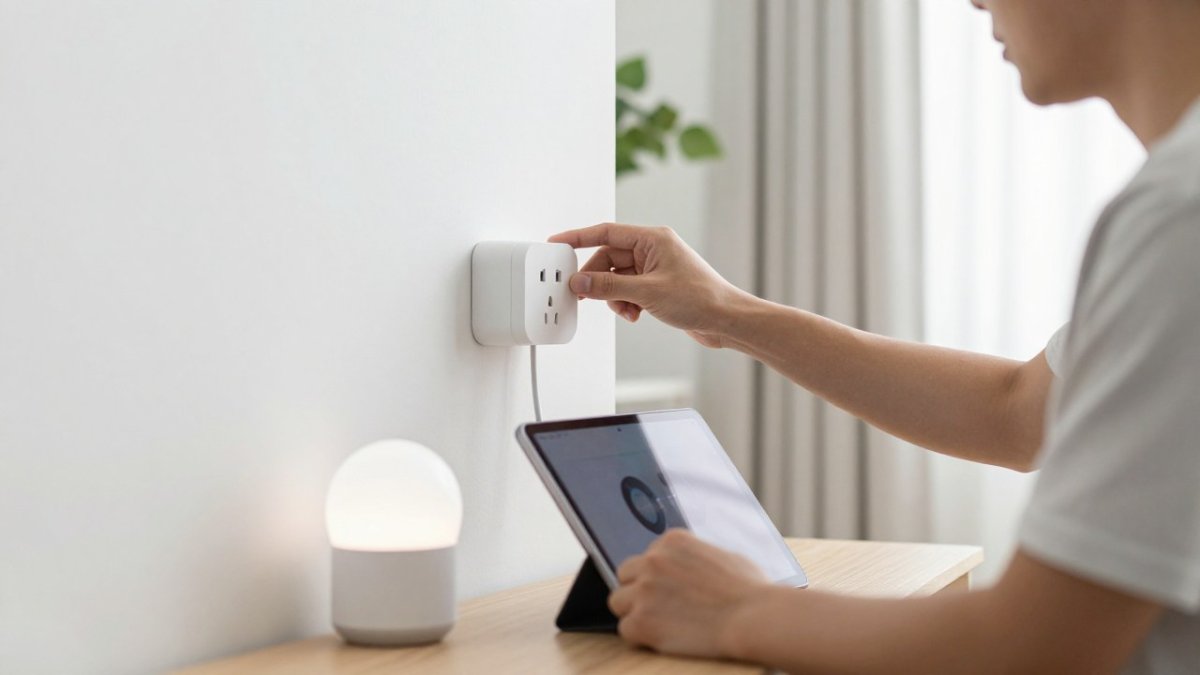
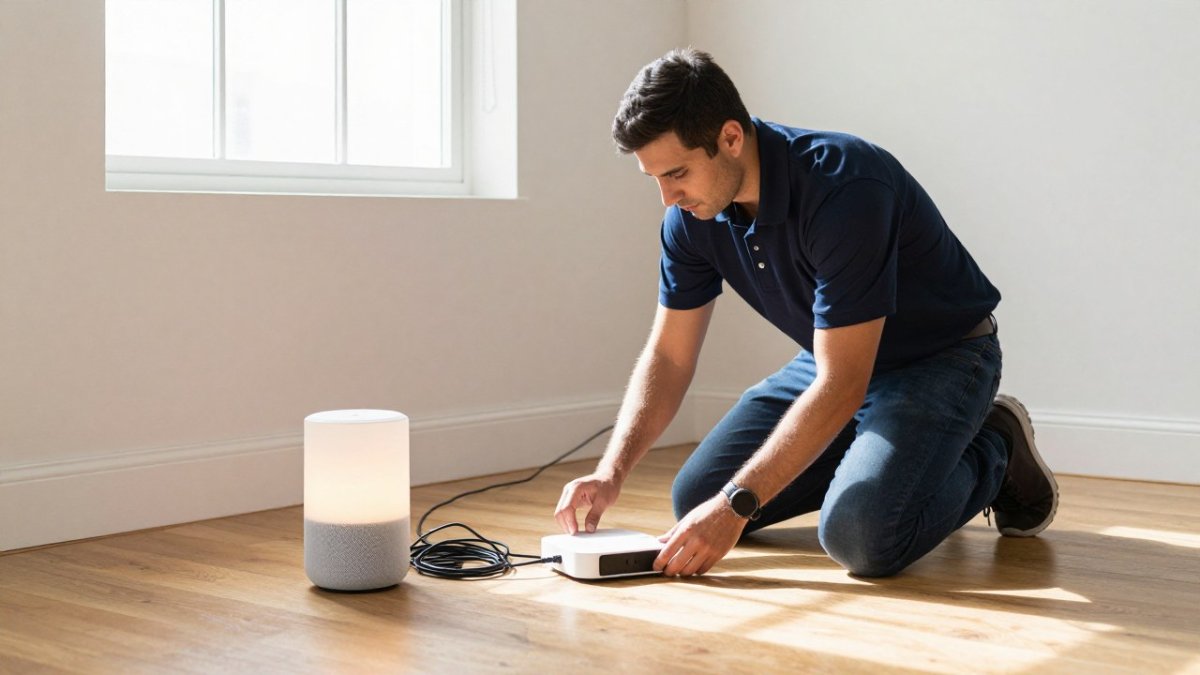
- Power on the hub or controller and connect it to your router.
- Add the first device using its own app, then confirm it responds.
- Link each brand account to your chosen platform through its integration settings.
- Test one device at a time before adding the next.
- Create shared routines once every device responds reliably.
Working in this order makes problems easy to spot. If a device fails at step two, you know exactly where to look.
Choosing a Hub or Central Controller
A hub is the device that connects your protocols to one platform. Choose one that supports the protocols on your checklist. A hub that handles Zigbee and Matter, for example, can cover most mixed-brand homes.
Plan for the future too. Pick a hub that supports the devices you may buy next. If you are ready to hire local help, see what a professional smart home installation in West Michigan involves. The REVOLUTION llc can help you choose a hub based on your checklist and your home's layout.
Linking Accounts and Pairing Devices
Each brand's account has to be linked to your platform before its devices appear there. Use the integration menu in the platform app, sign in to the brand account, and approve the link.
Pairing can take a few tries. Keep devices close to the hub during setup, and check that each one is on the right network. If pairing still fails, call the REVOLUTION llc and we will help you find the cause.
Choosing a Single App for Android and Other Phones
Running everything through one app saves time and avoids confusion. Most major platforms have Android and iPhone apps, so you can control your whole home from either phone.
When you compare apps, check these points:
- Does it support all the protocols on your checklist?
- Does it link to all the brands you own?
- Does it run routines across devices from different brands?
- Does it update regularly?
The REVOLUTION llc can help you choose the app that fits your phone and your devices.
Using Home Assistant for Advanced Cross-Brand Integrations
Home Assistant is an open-source platform that runs on its own hardware. It supports a very wide range of devices, which makes it useful for complex mixed-brand homes.
It also takes more setup time and some technical comfort. For many homeowners, a commercial platform with a supported hub is the simpler choice. If you want Home Assistant, let the REVOLUTION llc assess whether it suits your home before you commit.
Troubleshooting Cross-Brand Connections and Privacy Trade-Offs
Cross-brand problems tend to cluster into a handful of recognizable patterns. Working through them in order saves time.
Device not appearing after an account link. The brand account may be linked at the platform level but the specific device not shared. Many manufacturers require you to enable third-party access per device or per room inside their own app before the platform can see it. Reopen the brand app, confirm the device is shared, then refresh the integration in your main platform.
Account-link failure during setup. This usually comes down to one of three things: the brand's servers are temporarily unreachable, the login uses a method the integration does not support (for example, a social sign-in instead of an email and password), or two-factor authentication is blocking the handshake. Switching to a standard email-and-password login for the integration, or completing 2FA in the brand app first, resolves most cases.
Automations that fire late or not at all. Cross-brand routines depend on cloud round-trips: the trigger device reports to its cloud, the platform evaluates the rule, and the action device receives a command through its own cloud. Each hop adds latency and a failure point. Routines that mix a local protocol (Zigbee or Z-Wave through a hub) with a cloud-only brand are the most fragile. Moving as many devices as possible onto a local hub, and keeping routines within one protocol where you can, tightens timing.
Devices dropping off after a router change or firmware update. A new router can assign different IP addresses, and some Wi-Fi devices do not recover gracefully. Reserving addresses for smart devices in the router settings, or re-adding the device, restores the connection. Firmware updates on either the hub or the device can also change behavior; check release notes before updating a working system.
Weak signal and network crowding. A device at the edge of Wi-Fi coverage may pair successfully and then fail intermittently. Moving the device, adding a mesh node, or splitting busy devices across the 2.4 GHz and 5 GHz bands (many smart devices are 2.4 GHz only) addresses this.
Privacy and permissions deserve the same attention as connectivity. Every linked brand account grants the platform a level of access to that brand's data, and the scope varies widely. Some integrations expose only device state; others pull in usage history, account profile details, or location. Review the permissions each link requests and grant only what a routine actually needs. Local-control setups, where the hub talks to devices on your own network without a cloud round-trip, reduce the number of parties who can see your device data, but they also limit remote access and some voice-assistant features. Cloud integrations are more convenient and more feature-complete, at the cost of more accounts holding more data.
A practical middle ground is to keep sensitive categories, locks, cameras, door sensors, on a local hub where possible, and let convenience devices use cloud links. Review connected accounts periodically and revoke links you no longer use.
Watch out: approving every permission an integration requests during setup is the most common way homeowners end up sharing more data than they intended. Take the extra minute to read the scope.
If a cross-brand connection will not behave, the REVOLUTION llc can help you look into the cause. All you need to do is call, email or text us, and we will take it from there. Visit https://therevllc.com to get started.
Let the REVOLUTION llc Plan Your Smart Home Setup
Connecting smart devices from different brands is much easier with a clear plan. The REVOLUTION llc can help check availability, review your compatibility checklist and plan your setup for you at no charge. All you need to do is reach out by phone call, email or text, and we will take it from there. Visit https://therevllc.com to get started, and talk to us about turning your home into a smart hub.
Frequently Asked Questions
Can you connect smart home devices from different brands?
Yes, in most homes. Devices from different brands can work together when they share a protocol such as Wi-Fi, Zigbee, Z-Wave, or Matter, or when a hub or platform bridges them. The first step is checking each device's supported protocol and whether it works with the platform you plan to use. The REVOLUTION llc can help review your current devices and discuss the integration approach that fits your home, so you do not have to sort through the compatibility details yourself. Call, email, or text to get started.
Does Matter work with smart home devices from different brands?
Matter is designed to let devices from different manufacturers work together across major ecosystems. It is not universal, though. Older devices may not support it, and some features may work only through the manufacturer's own app. Before you buy, confirm that each device lists Matter support and that your controller supports it too. The REVOLUTION llc can help you check your device list against Matter compatibility before you spend money on equipment.
Can I control all my smart home devices in one app on Android?
Often you can, but a single app usually depends on a platform or hub that bridges the brands. Many multi-brand platforms have Android apps, and a controller with a dashboard can pull devices from several manufacturers into one place. Expect some device-specific features to remain in the original manufacturer's app. Reach out to the REVOLUTION llc by phone, email, or text, and the team can help you choose an app and platform that fits your devices and your phone.
What should I do if my smart home devices will not connect?
Start by confirming that all devices are on the same Wi-Fi network and that the hub or controller has current firmware. Next, check whether the device's protocol matches your hub, since a Zigbee device will not pair directly with a Wi-Fi-only controller. Restarting the device and removing and re-adding it to the app often resolves account-linking errors. If the problem continues, contact the REVOLUTION llc by phone, email, or text and the team will help you work through the connection.