 how-to
Smart Home Installation in West Michigan: A 2026 Guide
Last Updated: October 28, 2026
Quick Summary
A smart home installation west in Michigan starts with a plan for the whole house, connecting lighting, thermostats, cameras, locks and entertainment devices to one network and app. Because every device depends on it, the REVOLUTION llc checks internet service and satellite sky line of sight first. Call, email or text the REVOLUTION llc to get started.
- Check internet reliability first, since cameras and video calls need a stable connection more than raw speed.
- Start with a small set of devices, such as lighting, thermostats or security, and add more once they run reliably.
- Pick one primary platform and confirm each device carries a works-with certification for it before buying.
- Placement matters: cameras need clear views and thermostats should avoid drafts, direct sun and supply vents.
- Call, email or text the REVOLUTION llc at https://therevllc.com to schedule the installation.
Table of Contents
- What Smart Home Installation Involves in West Michigan Homes
- Checking Your Smart Home Internet Requirements
- Choosing Smart Home Devices for Beginners
- Making Sure Devices Work Together: Smart Home Compatibility
- The Smart Home Installation Process, Step by Step
- Booking Your Smart Home Installation With the REVOLUTION llc
- Frequently Asked Questions
What Smart Home Installation Involves in West Michigan Homes
A smart home installation connects lighting, thermostats, security cameras, locks and entertainment devices so they run on one network and respond to one app or voice assistant, which is why a smart home installation west in Michigan starts with a plan for the whole house.
Many rural homes start with a limited connection, which is why the internet step comes first. All you need to do is call, email or text the REVOLUTION llc to get started, and you can find more at https://therevllc.com.
Checking Your Smart Home Internet Requirements
Smart devices send small amounts of data constantly, so a stable connection matters more than raw speed. Cameras and video calls are the most demanding parts of the setup, and a connection that drops often causes more trouble than one that is merely slow.
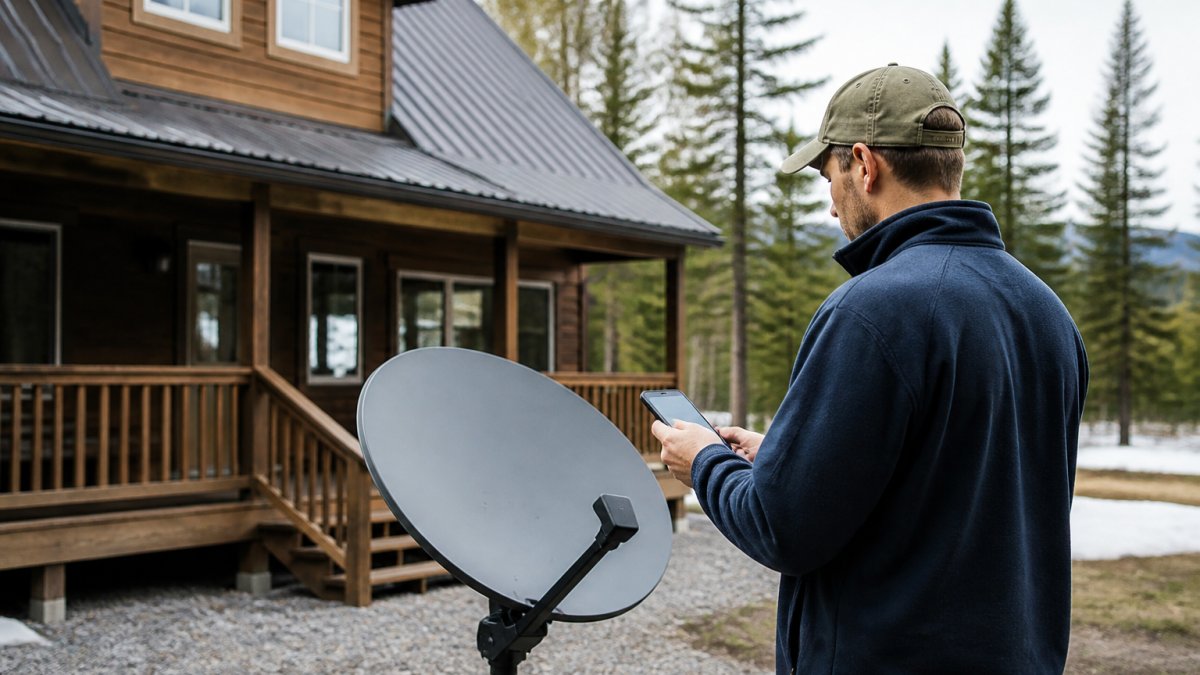
The REVOLUTION llc checks whether your address can support internet service and reviews sky line of sight for satellite service. You can also see how to confirm satellite internet availability by address for your location. You do not need to run these checks yourself. Call, email or text the REVOLUTION llc at https://therevllc.com.
Choosing Smart Home Devices for Beginners
Start with a small set of devices that solve a real problem in your home. Most beginners get the best results by choosing one category at a time, then adding more once the first group runs reliably. This keeps troubleshooting simple and keeps costs predictable.
Starting With Lighting, Thermostats and Security
Lighting and thermostats are common first choices because they are easy to see working and easy to control from a phone. Security devices such as door sensors and cameras add peace of mind, but they rely heavily on a steady connection, so confirm your internet first. For a quote, call, email or text the REVOLUTION llc through https://therevllc.com.
Making Sure Devices Work Together: Smart Home Compatibility
Compatibility is where most do-it-yourself smart home projects stall. A homeowner buys a camera on sale, a thermostat from a different brand, and a voice assistant, then discovers that three apps, two hubs and one subscription stand between them and a single control screen. The fix is to decide on a control layer before buying devices, not after.
The three layers that have to agree
Every smart home has three layers, and each one has to line up with the others:
- The wireless protocol. Devices talk over Wi-Fi, Bluetooth, Zigbee, Z-Wave, Thread, or a manufacturer's proprietary radio. Wi-Fi devices need no hub but crowd your router; Zigbee, Z-Wave and Thread devices are low-power mesh networks that usually need a hub or a border router. A device that speaks only Zigbee will not talk directly to a Wi-Fi-only app.
- The hub or border router. Some ecosystems require a dedicated hub to bridge devices and run automations locally. Others use a speaker, a TV streaming box, or a router as the bridge. If you mix protocols, you likely need a hub that supports more than one.
- The platform and app. The platform is what you actually open on your phone and speak to. Devices must be certified to work with that platform, or you will be juggling separate apps.
A practical compatibility checklist
Before buying anything, work through these questions:
- Which platform will run the home? Pick one primary platform and treat everything else as secondary.
- Does each device carry a "works with" certification for that platform? Certification is the clearest signal that setup and voice control will actually function.
- What protocol does each device use, and do you already own a hub that supports it? Buying a second hub for one device is a common and avoidable expense.
- Does the device need a cloud account or subscription for the features you want? Some cameras and doorbells limit recording without a paid plan.
- Will the device keep working if the internet drops? Local automations (lights, locks, schedules) should still run; cloud-dependent features will not.
Where homeowners get stuck
A common pattern is a device that is popular but locked to its own ecosystem, so it works beautifully alone and poorly with everything else. Another is a budget hub that supports only one radio, forcing a second hub later. A third is a device that requires a neutral wire or a specific transformer, which turns a simple swap into an electrical job.
Call, email or text the REVOLUTION llc through https://therevllc.com.
The Smart Home Installation Process, Step by Step
A smart home installation is less about screwing devices to walls and more about sequencing decisions so nothing has to be redone.
1. Connection and site assessment
Everything downstream depends on the network, so this comes first. The REVOLUTION llc checks what internet service your address can support and whether satellite service has a clear line of sight to the sky. Call, email or text the REVOLUTION llc to get started.
2. Device and platform planning
This is where the device list, the platform, and the protocols are reconciled. The plan accounts for which rooms get which devices, which devices need constant power versus batteries, which need a neutral wire, and which need a hub. Getting this right up front is what prevents the "buy, return, rebuy" cycle.
3. Placement and mounting
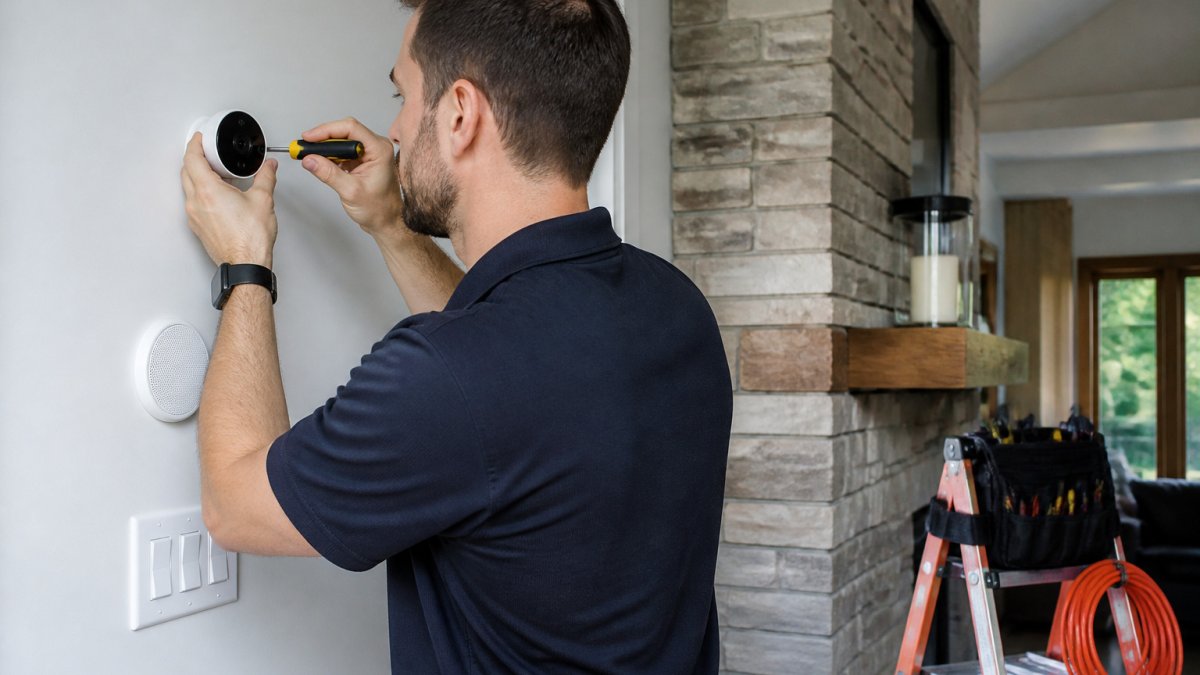
Placement decides whether the system works well or merely works. Cameras need a view of the approach without staring into a sunset or a porch light. Door and window sensors need clean gaps between frame and sash. Thermostats need to sit away from drafts, direct sun and supply vents, or they will read the room wrong and run the HVAC inefficiently. Motion sensors need to avoid heat sources and pets. Mounting also means cable routing that looks intentional and survives weather.
4. Network setup and commissioning
Each device is joined to the network, named clearly, assigned to a room, and tied into the central app or platform. This is also where Wi-Fi coverage gets tuned, channel selection, band steering, and where a mesh node or extender belongs. Devices that should stay off the main network (cameras, for example) can be segmented so they do not share a network with laptops and phones.
5. Automation, testing and handoff
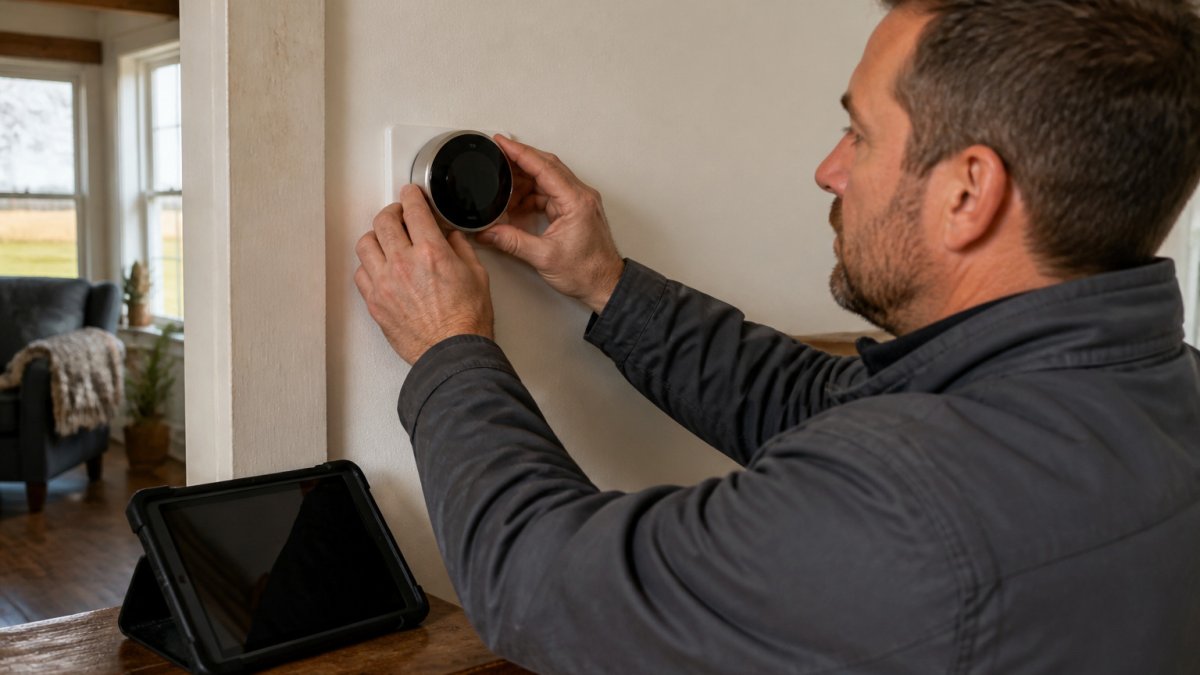
A technician mounts a smart thermostat in a farmhouse living room as part of a typical installation, checking placement against drafts and sun before wiring it in. Each stage is handled by the REVOLUTION llc, so your job is simply to reach out. Call, email or text to schedule the process through https://therevllc.com.
The installation runs in five stages, each handled by the REVOLUTION llc:
| Step | What happens | Focus |
|---|---|---|
| 1. Connection and site assessment | Checks internet service and satellite sky line of sight | Network first |
| 2. Device and platform planning | Reconciles device list, platform and protocols | Avoid buy-return-rebuy |
| 3. Placement and mounting | Positions cameras, sensors and thermostats | Clean views, no drafts |
| 4. Network setup and commissioning | Joins, names and tunes each device on the network | Segment cameras |
| 5. Automation, testing and handoff | Configures automations and tests the system | Final handoff |
Booking Your Smart Home Installation With the REVOLUTION llc
The REVOLUTION llc checks internet availability and sky line of sight. You only need to get in touch by phone, email or text.
Call, email or text the REVOLUTION llc, or visit https://therevllc.com.
Frequently Asked Questions
What should I consider before installing smart home devices?
Start with your internet connection, since most smart devices depend on a stable, always-on connection. Check the speed and reliability your home currently gets, especially if you live in a rural area where traditional broadband may be limited. Next, decide which problems you want solved first, such as security, climate control or lighting, and choose devices that match those goals. Finally, confirm the devices work with the ecosystem you plan to use. The REVOLUTION llc can check availability at your address; call, email or text to get started.
How do I know if my internet can support a smart home?
Smart devices send small amounts of data constantly, so the real question is whether your connection stays steady under daily use. Look for consistent speeds and low interruptions over a typical week, not just a single test result. Video calls, streaming and several connected devices running at once put the most strain on a network. If you work from home or run a business, a dependable connection matters even more. The REVOLUTION llc can check availability at your specific address. Call, email or text to get started.
Can smart home devices work with satellite internet?
Yes. Most smart home devices connect to your local Wi-Fi network, which can be fed by satellite internet just as easily as by cable or fiber. The main differences to plan for are latency and data use, since satellite connections respond more slowly than terrestrial ones. Devices that send simple commands, such as turning on lights or adjusting a thermostat, generally work well. Video doorbells and cameras that stream constantly need more bandwidth. Call, email or text the REVOLUTION llc to discuss your connectivity needs.
Do smart home devices from different brands work together?
Sometimes, but not always. Many devices support common standards such as Wi-Fi, Bluetooth or Zigbee, yet compatibility depends on the brand and the hub or app you use. Before buying, check whether each device lists support for the same ecosystem or platform. Mixing brands without planning often leaves you with separate apps that do not talk to each other. Call, email or text the REVOLUTION llc to discuss your smart home needs.