 how-to
Turn Your Home Into a Smart Hub: A Beginner's Guide
Last Updated: November 1, 2026
Quick Summary
To turn your home into a smart hub, start by deciding what you want it to do and setting a budget. Then add devices in stages, beginning with your Wi-Fi network and one room. The REVOLUTION llc can assess your home and plan the equipment for you.
- Write down your top three smart home goals and rank them before buying anything.
- Set a monthly spending limit you can keep and plan to add devices in stages.
- Fix your network first, since a weak Wi-Fi signal causes most smart device problems.
- Check that a Thread border router exists before buying Thread devices.
- Call, email or text the REVOLUTION llc or visit therevllc.com to start your smart hub plan.
Table of Contents
- Start With Your Goals and Budget Before You Buy Anything
- Smart Home Devices for Beginners: Where to Start
- Smart Home Automation Setup, Step by Step
- Matter Smart Home Devices and Compatibility Checks
- Securing Your Smart Hub and Your Internet Connection
- Booking Your Smart Hub Setup With the REVOLUTION llc
- Frequently Asked Questions
Start With Your Goals and Budget Before You Buy Anything
Turning your home into a smart hub starts with a simple question: what do you want it to do?
Think about the daily problems you want to solve. Maybe you want lights that turn on at sunset, a thermostat you can adjust from work, or a front door you can check from your phone.
Next, set a budget. Smart home costs vary widely based on how many devices you add and which ones you choose, so there is no single price to plan around.
- Write down your top three goals
- Decide which goal matters most
- Set a monthly spending limit you can keep
Smart Home Devices for Beginners: Where to Start
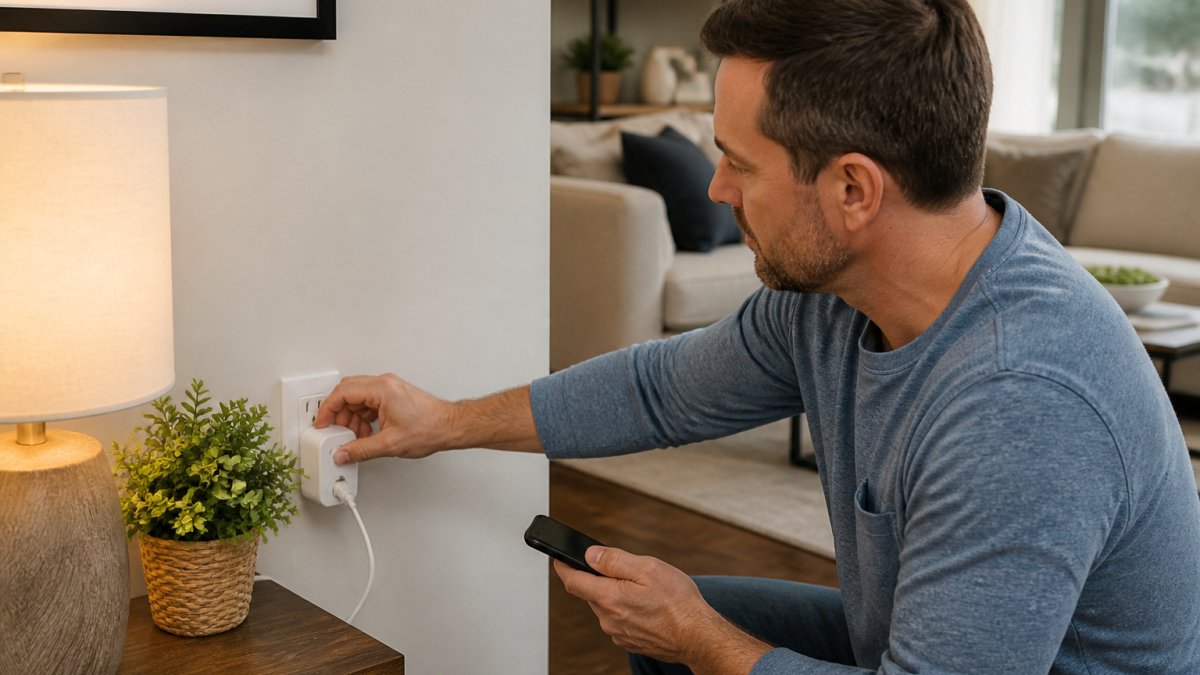
Smart home devices are everyday items that connect to your Wi-Fi and can be controlled by an app or voice. A common place to begin is with smart plugs and smart lighting, which can work with many lamps and appliances you already own.
Smart plugs are also a low-risk way to test whether your Wi-Fi network can handle connected devices.
A retail buying sequence that avoids waste
Most guides list devices. A better approach is to buy in an order that builds on itself, so each purchase makes the next one easier:
- Fix the network first. A reliable router and good coverage are the foundation. Adding devices to a weak signal is the fastest way to regret a purchase.
- Start with one room. Pick the room you use most and solve one problem there, lighting, a lamp schedule, or a fan.
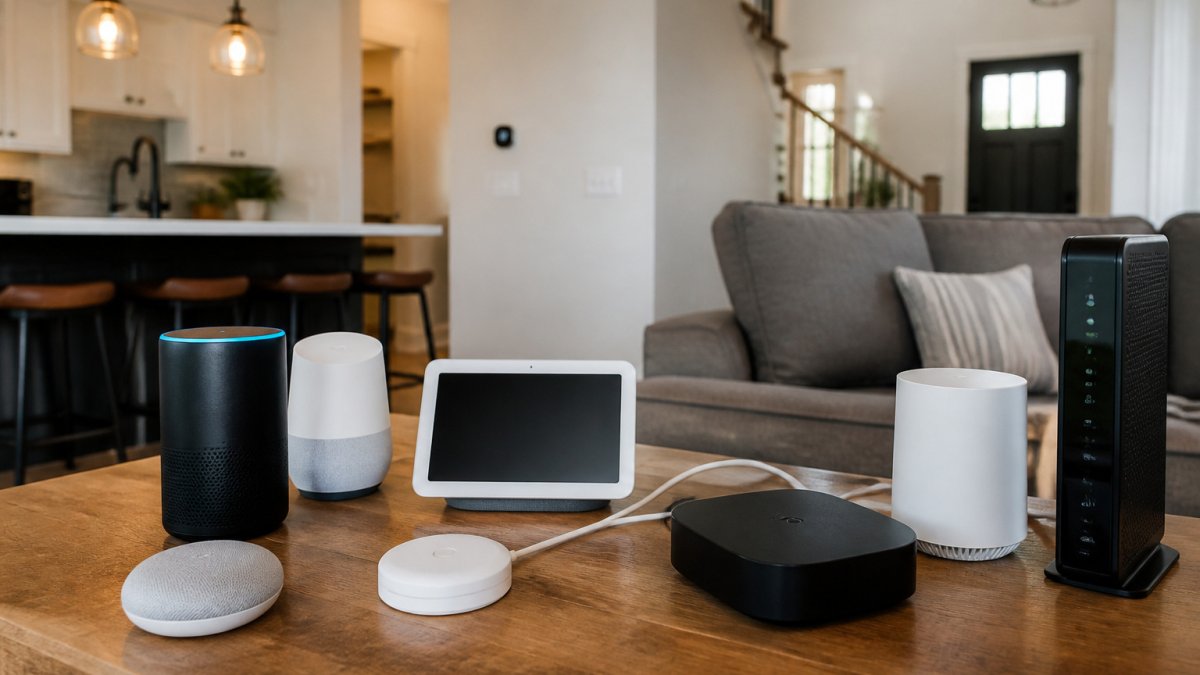
- Add a control layer. A smart speaker or display gives you voice control and often doubles as a Thread border router for later devices.
- Add sensors and routines. Motion, door, and temperature sensors turn single devices into automation.
- Add security last. Cameras and doorbells are the most bandwidth-hungry and privacy-sensitive purchases, so add them once the network is proven.
Decision criteria by category
- Smart plugs, check load rating for the appliance, whether it supports 2.4 GHz only, and whether it reports energy use. Best for lamps, fans, and small appliances.
- Smart bulbs, decide between white-only and full color, check lumens and dimming behavior, and confirm whether a hub is required. Best where you want schedules and dimming without rewiring.
- Smart speakers and displays, match the assistant to the ecosystem you already use, and confirm whether the model acts as a Thread border router.
Trade-offs worth knowing before checkout
- Bulbs vs. smart switches: bulbs are renter-friendly and easy to move; switches control every bulb on the circuit but need wiring work.
- Wi-Fi vs. hub-based devices: Wi-Fi is simplest for a few devices; hub-based protocols scale better as the count grows.
- Bundles vs. singles: starter bundles look cheaper but often include a device you will not use. Buy singles until you know your routine.
Buying too many devices at once can be a costly mistake. Starting with one or two, learning the app, and then expanding is a practical approach. Your current internet connection matters too. If Wi-Fi drops often, reach out to the REVOLUTION llc by calling, emailing or texting, or visit therevllc.com, and the team will assess your setup with you.
Smart Home Automation Setup, Step by Step
Automation means your devices act on their own based on a rule, such as "turn on the porch light at dusk." Setting this up takes a few steps, and much of the work happens in the device app.
- Install your hub or app. Download the app for your main device and create an account.
- Add each device. Follow the app prompts to connect each plug, bulb or sensor to your Wi-Fi.
- Name your devices. Use clear names like "Kitchen Lamp" so voice commands are easy to use.
- Build a routine. Choose a trigger, such as a time of day, then choose the action.
- Test each routine. Run it once manually and once on schedule to confirm it works.
| Step | What You Do | Time Needed | How Often |
|---|---|---|---|
| Setup | Install app and add devices | 30-60 minutes | Once |
| Naming | Label each device | 5-10 minutes | Once |
| Routines | Build schedules | 15-30 minutes | As needed |
| Testing | Run each routine | 10 minutes | After changes |
Watch out: if a device keeps disconnecting, the cause is usually weak Wi-Fi signal in that room, not the device itself.
Matter Smart Home Devices and Compatibility Checks
Matter is a shared standard that lets devices from different brands work together. Devices labeled "Matter compatible" can often be controlled from one app or voice assistant, which makes mixing brands much easier. But "Matter compatible" on a box does not guarantee a smooth setup, so a short pre-purchase checklist saves money and frustration.
Check the protocol, not just the logo
Smart devices talk over one of a few paths, and the path determines what else you need:
- Wi-Fi devices connect straight to your router. They are simple to add but compete for bandwidth and can strain a weak signal.
- Thread devices use a low-power mesh and need a Thread border router, often built into a newer smart speaker, display, or hub, to reach your network.
- Bluetooth devices are usually for setup or short-range control and often need a hub to be automated.
A common pattern is a shopper buying a Thread sensor and discovering their older speaker is not a border router. Confirm the bridge or border router exists before checkout.
Match the hub to the ecosystem you already own
The big platforms, Amazon Alexa, Google Home, Apple Home, and Samsung SmartThings, each support Matter to different degrees and on different hardware generations. Before buying, confirm three things:
- The device supports Matter or the platform you already use.
- Your specific hub or voice assistant model can connect to it, not just the brand.
- Your Wi-Fi or Thread network can reach the device's location.
Check Wi-Fi bands and signal reach
Many smart plugs, bulbs, and cameras only work on the 2.4 GHz band, not 5 GHz. If your router combines both bands under one name, a device may fail to pair until the bands are separated or the device is added through the app's guided flow. Signal reach matters too: a device at the far end of the house may pair in the room but drop offline later.
Keep a simple compatibility record
Write down each device's brand, model, protocol, and which app controls it. That record is what lets you, or the REVOLUTION llc, sort out a mismatch later without guessing.
Compatibility can be a frustration for owners who already have devices from several brands. If you are not sure what you have, reach out to the REVOLUTION llc by phone, email or text, or visit therevllc.com, and the team will help you assess what you have.
Securing Your Smart Hub and Your Internet Connection
Every connected device is a possible entry point for hackers, so security matters as much as convenience. Good habits protect your home network and your personal information.
- Change default passwords on every device
- Turn on two-factor authentication in your main app
- Keep device software updated
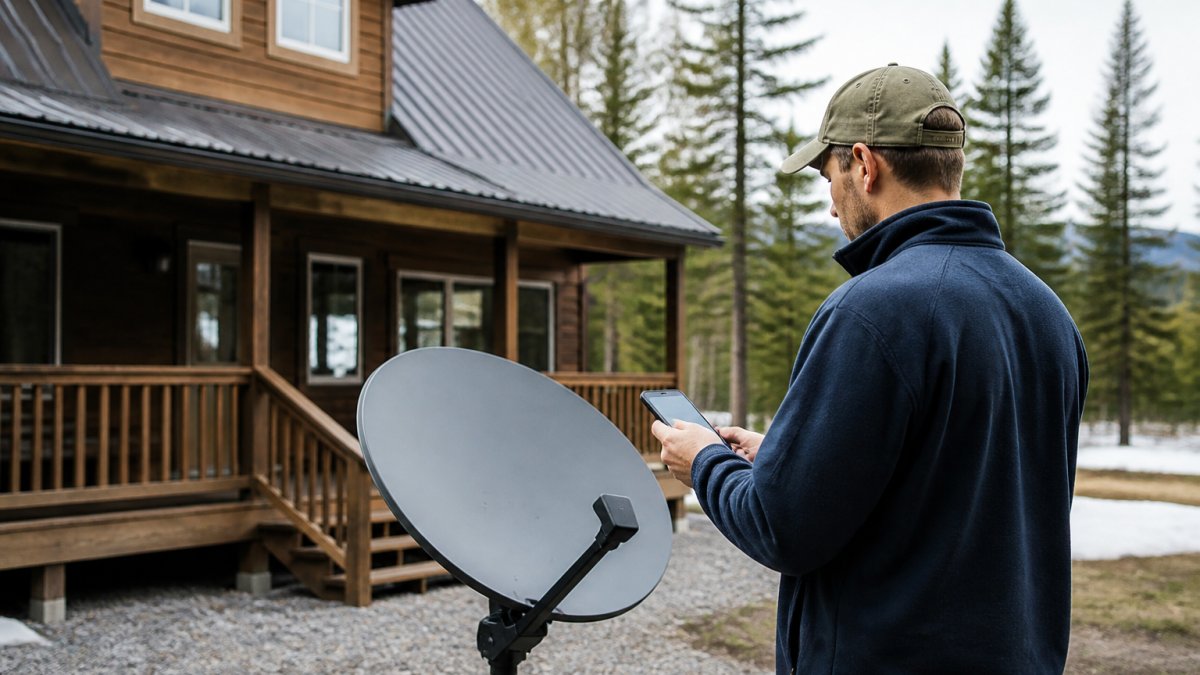
Your internet connection is the foundation of the whole system. A smart home depends on a stable connection, and rural homes often face slower or less reliable service. Call, email or text the REVOLUTION llc, or visit therevllc.com, to start that check.
Booking Your Smart Hub Setup With the REVOLUTION llc
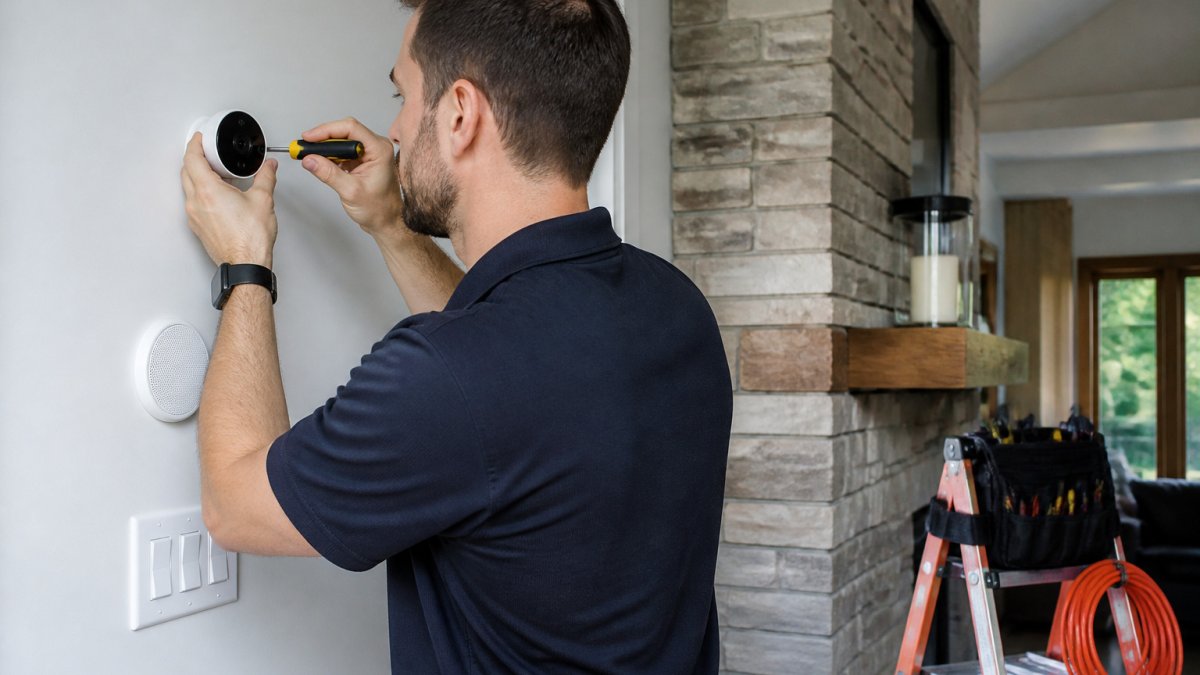
Setting up a smart hub is easier with a local team to help. The REVOLUTION llc assesses your home and handles the legwork for you, so you can focus on the results.
When you are ready, all you need to do is reach out. Call, email or text the REVOLUTION llc, or visit therevllc.com. Share your goals, and the team will help you plan a smart hub for your home.
Frequently Asked Questions
How do I turn my home into a smart home?
Start by listing the tasks you want to automate, such as lighting, climate, or security, and then choose one platform to build around. Begin with a few beginner-friendly devices like smart plugs, a smart speaker, and one or two lights, and test how they work together before adding more. The REVOLUTION llc can review your home, your internet connection, and your goals, then recommend a setup that fits. Reach out by phone call, email, or text, and link to https://therevllc.com to get started.
Can smart home devices from different brands work together?
Often they can, but compatibility depends on the protocols each device uses. Look for the Matter label on packaging, since Matter is designed to let devices from different manufacturers work with the same controller. Devices that do not support Matter may need a separate bridge or hub. Before you buy, check which platform each device supports so you avoid paying for equipment that will not connect.
What is Matter, and how does it help smart home devices connect?
Matter is a shared smart home standard that lets compatible devices communicate across brands and ecosystems over your home network. A Matter-certified device can usually be added to any Matter-compatible controller, which makes it easier to mix products. It does not remove the need for a reliable Wi-Fi network, so a stable home internet connection still matters. If you are unsure which products support it, the REVOLUTION llc can help you check before you buy.
How can I make smart home devices more secure?
Change default passwords on every device, turn on two-factor authentication for your smart home accounts, and keep device firmware updated. Put smart devices on a separate guest or IoT network when your router allows it, and disable features you do not use, such as remote access. A strong router password and a reliable internet connection also protect the whole system. The REVOLUTION llc can review your network setup with you when you call, email, or text.